Basic Setup
Basic setup is a task that allows for configuration of the following basic device properties:
| Property | Explanation | Required |
|---|---|---|
| IP Address | The primary IP address of the device, in IP or CIDR notation | Yes |
| Netmask | The mask of the primary IP address, specifying it's subnet | Yes, unless IP Address is specified in CIDR notation |
| Host name | The host name tag of the device | No, will default to previous value if empty. |
| Location | The location tag of the device | No, will default to previous value if empty |
| Default gateway | The default gateway for routes | No |
Interface Components
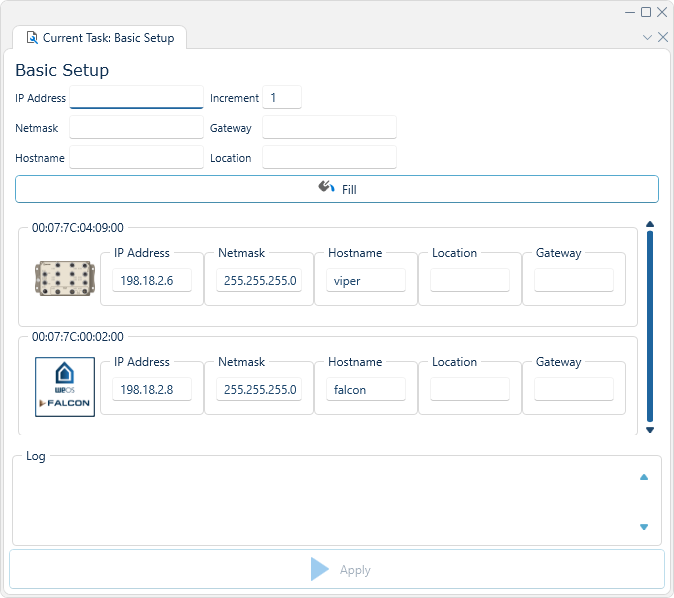
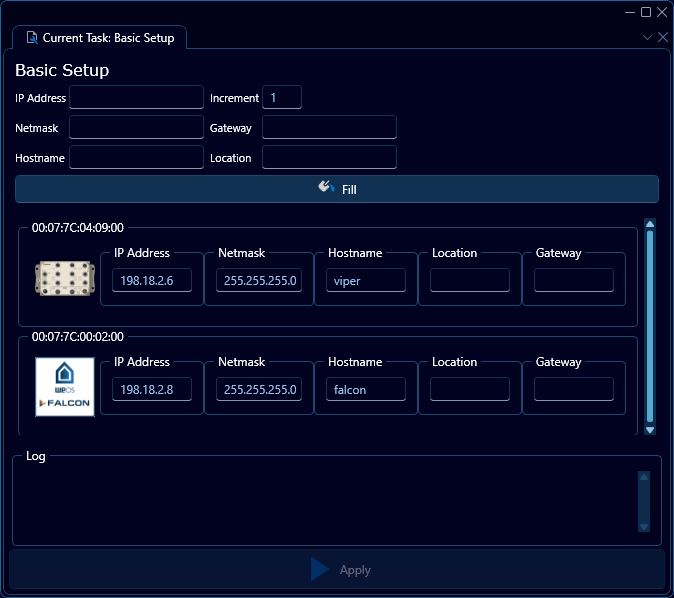
Fill pane
The fill pane allows the user to write properties once and then copy them to all devices. The increment box will operate on the IP Address field and increase the IP address handed to each device by the amount specified.
Any property left empty will be ignored when the "Fill" button is pressed.
Configuration list
Beneath the fill pane the list of individual device configurations can be found. This can be editted to set device-specific properties.
Log
This box contains a log window of the execution process. The log will the current state of the discovery process, as well as any errors