Traps
This panel contains a tabular view of received SNMP traps.
In order to receive traps, the machine running WeConfig must have been configured as a trap host on the origin device.
Interface components
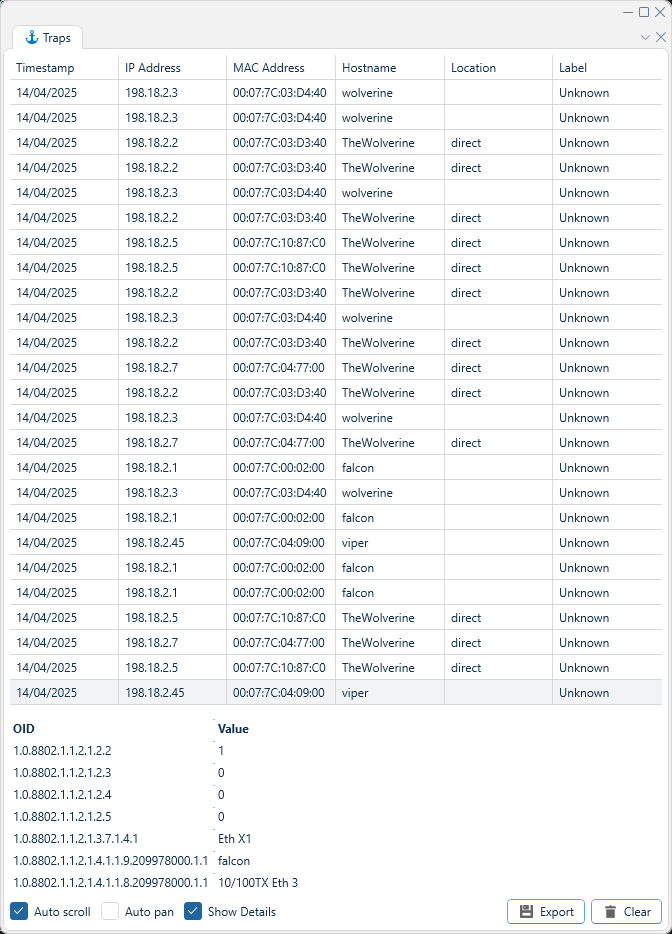
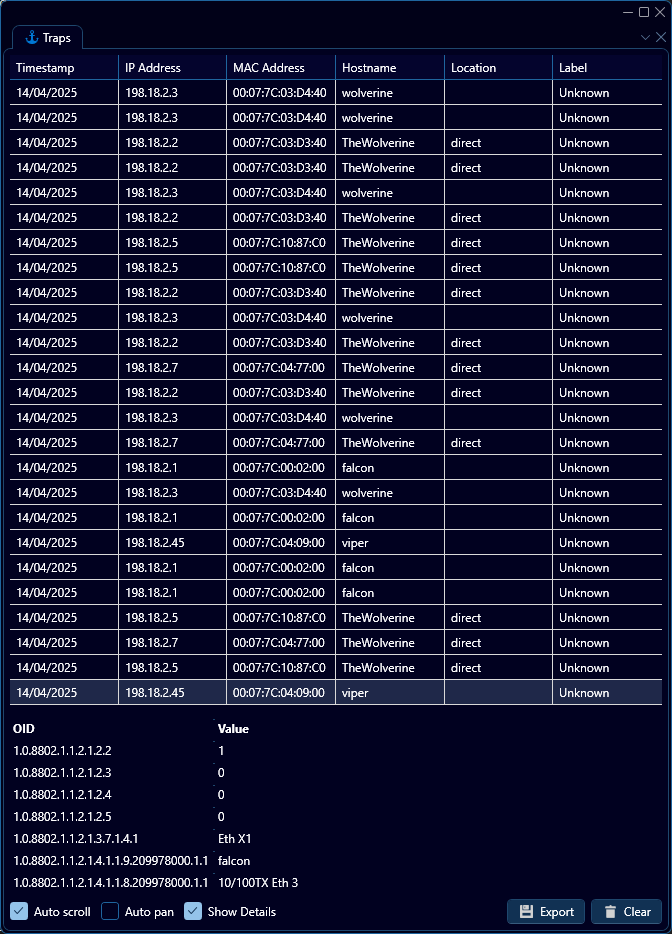
As depicted in the example above, arriving SNMP traps will be listed in this panel, and can be sorted or filtered within. Additionally, the raw SNMP content of the trap can be viewed for a selected trap while the "Show Details" toggle is checked, as depicted above.
If the "Auto scroll" toggle is checked, the list will automatically scroll to the bottom of the interface whenever a new trap arrives.
If the "Auto pan" toggle is checked, selecting a trap in the list will attempt to make the topology zoom to the corresponding device.
Click the Export button to export the list to a CSV file.
Click the Clear button to clear the list.
WeConfig uses Windows trap host when enabled.
For full functionality, the Windows trap host must be disabled, as that will permit WeConfigs internal trap host to function.