ICMP Ping Discovery
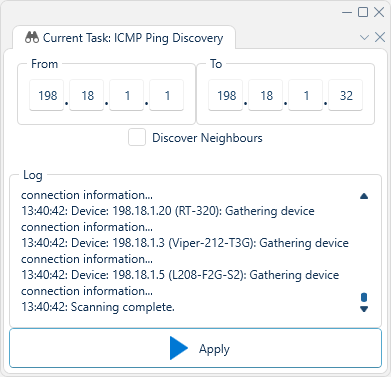
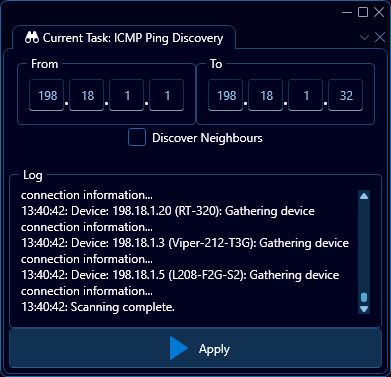
The ICMP Ping discovery task, or just Ping discovery for short, is a discovery method that scans a specified set of IPv4 addresses as a baseline to locate and identify devices. The image below display the typical user interface for this task.
Interface elements
From & To
These two IP-address boxes specify the range of IP addresses to scan as a linear range. I.e entering the values 192.168.0.1 and 192.168.0.5 respectively will attempt to find devices on the following addresses:
192.168.0.1192.168.0.2192.168.0.3192.168.0.4192.168.0.5
Discover Neighbours
Checking this box will cause WeConfig to run recursive discovery on all devices that are successfully scanned in the ping range specified by From & To.
Warnings:
As seen in the interface figure, a warning may appear when attempting to scan a large number (>255) of addresses, the primary intent of this warning is to alert the user to potentially unintentional entries in the From & To box that would result in sending an excessive amount of pings.
Log
This box contains a log window of the discovery process. The log will indicate which addresses are being pinged, which have responded, and data about the devices as they are being discoverd, as well as the current state of the discovery process.