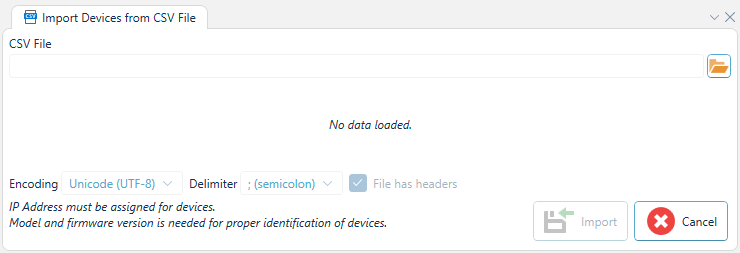
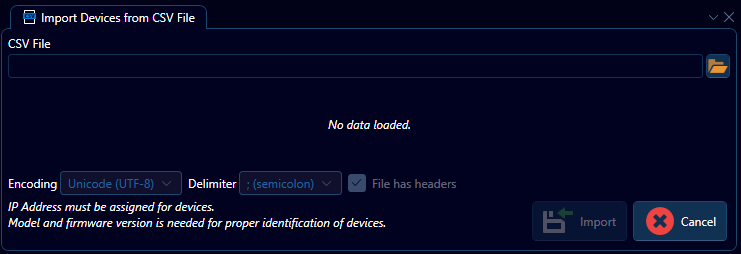
Import Devices from CSV File
Import Devices from CSV File allows for importing a project from a Comma Separated Value (CSV) file.
To import devices into the project from a CSV file browse for the CSV file and specify encoding, delimiter, and whether the file has headers or not. The defaults are often good enough. Use the combo boxes to specify which column in the CSV file should map to which device attribute. Click Import to start.