Export from Current Project
Export from Current Project allows for exporting the current project to a Gold File.
Path Selection


In the Path Selection step, you select the path where the project will be saved.
You also have the option to set a password to encrypt the project file.
Press "Next" to start the export process.
To make a template of the current project, the following criteria must be met:
- WeConfig's connection in the topology is known
- All devices must support the gold file functionality
Currently, only WeOS devices are supported.
Result
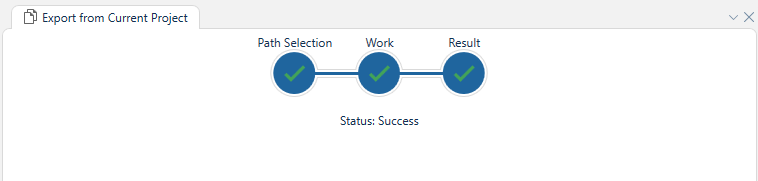
In the Result step, you can see the progress of the export process.
If the export is successful, you will see a message indicating that the project has been exported successfully.
If the export fails, you will see an error message indicating the reason for the failure.
The export process may take some time, depending on the size of the project and the number of devices in the topology.