Build Network from Template
Build Network from Template allows for importing network configuration from a Gold File.
A known limitation of the import process is that it requires there to be at least equally many unused IP Addresses as there are devices in the network. This is because the import process will provide temporary IP Addresses to the devices in the network, and then change them to the correct IP Address after the import is complete.
If you have 10 devices, there need to be at least 10 unused IP Addresses (for a total of at least 20).
Interface Components
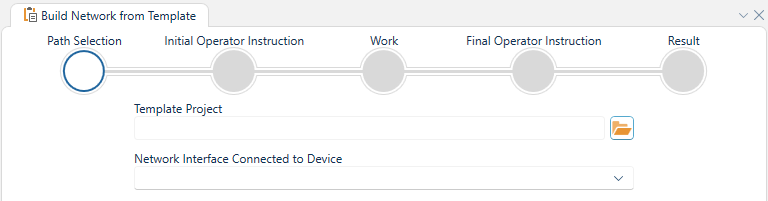
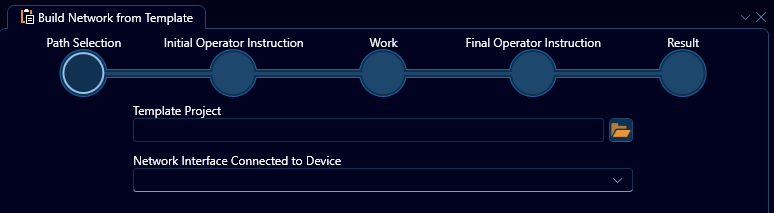
The build-network-process is wizard-based. It will guide and inform what to do to complete the operation.
Path Selection
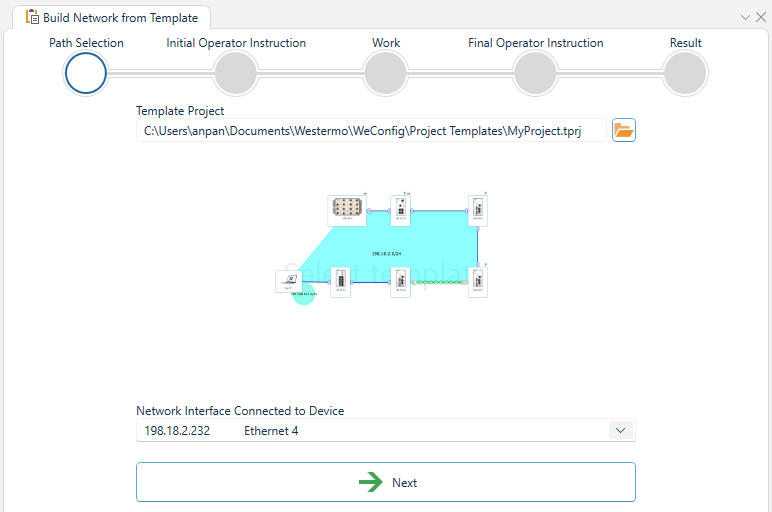
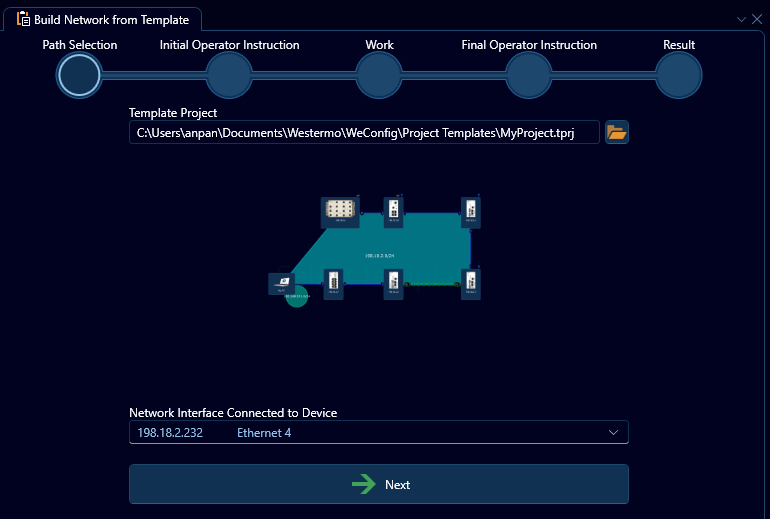
Browse and select the gold file template which will then be applied on the network.
Select the Network Interface that is connected to the device.
If the project template file is password protected, you will be asked to provide the password.
Initial Operator Instructions
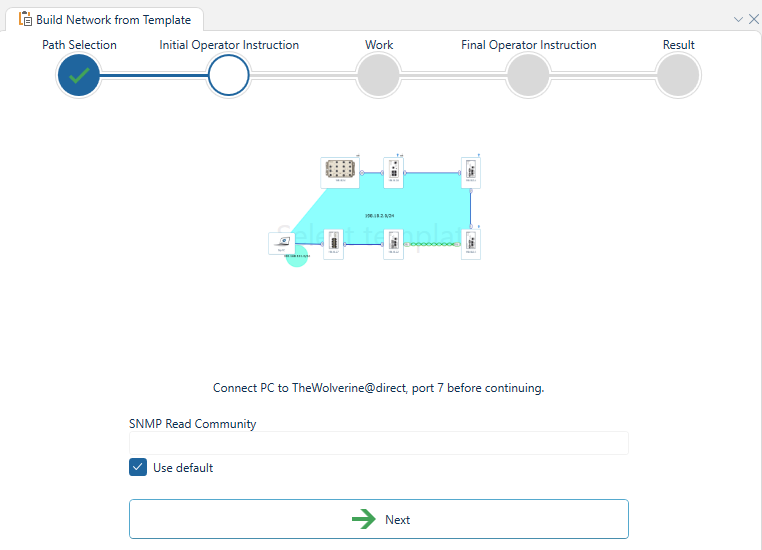
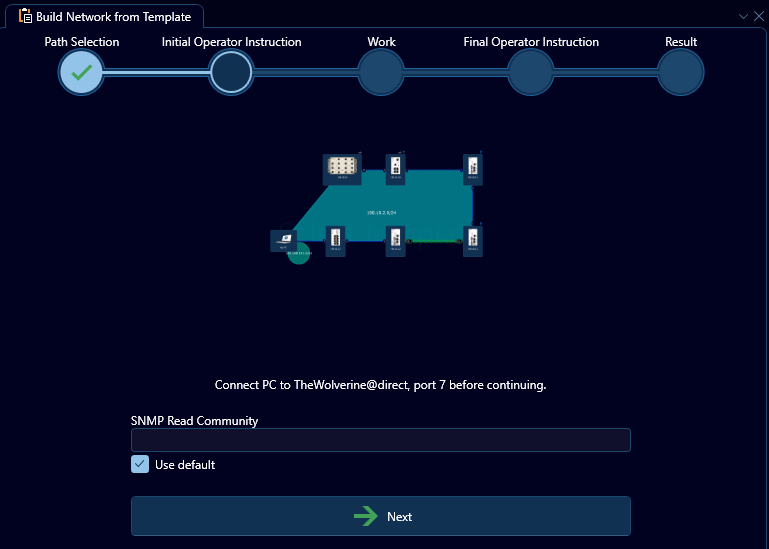
This step will provide instructions you must follow before the import can start. Such as connecting the PC to the correct device on the correct port, and providing an SNMP Read Community.
If there aren't any instructions, the step will be skipped.
Work
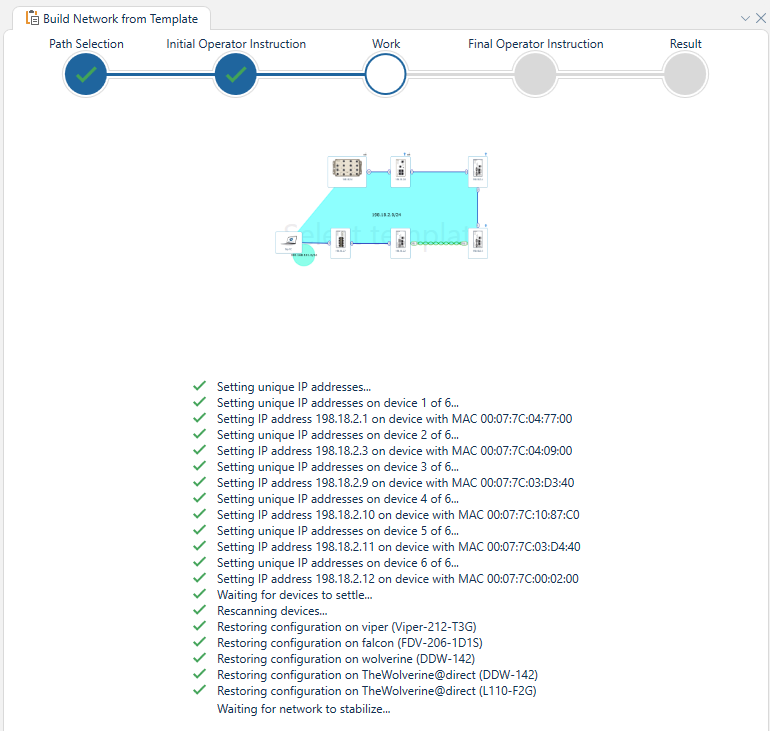

The work step will show the progress of the import process.
Final Operator Instructions
This step will provide instructions you must follow after the import is complete. Such as adding cables between devices.
If there aren't any instructions, the step will be skipped.
Result
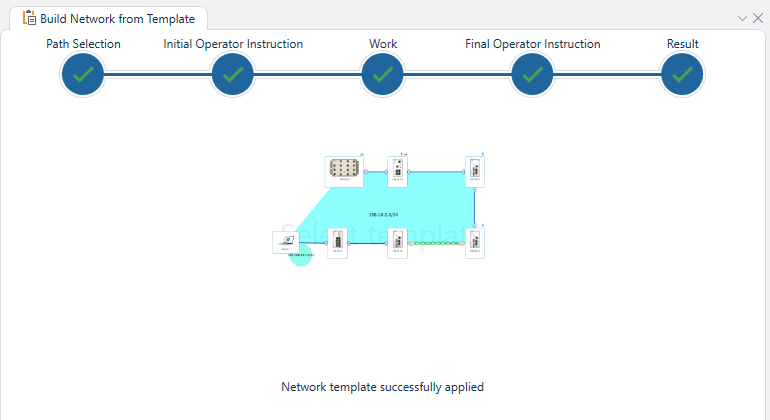
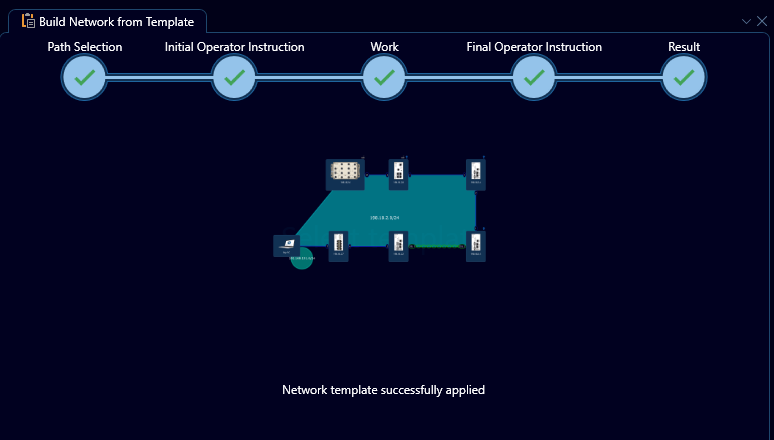
This step will show the result of the import process.
If the import is successful, you will see a message indicating that the project has been imported successfully.
If the import fails, you will see an error message indicating the reason for the failure.