Reports
This panel allows for the generation of reports about the current network.
Interface components
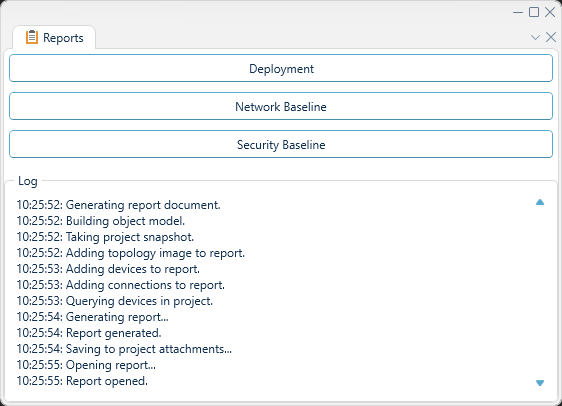
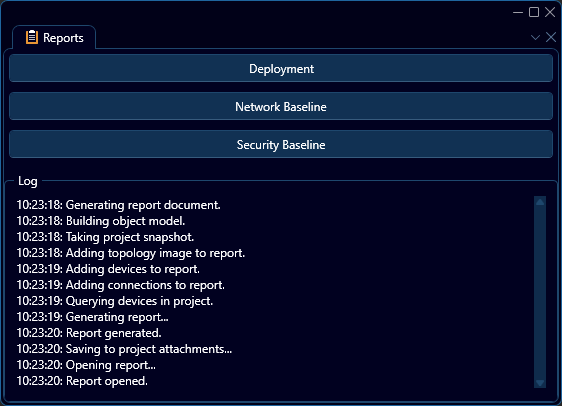
As depicted above, this panel today contains three different reports, as follows:
| Report | Contents |
|---|---|
| Deployment | Devices and their connections |
| Security Baseline | Potential vulnerabilities and security issues |
| Network Baseline | Characteristics and settings tied to system function / performance |
In order to generate the report of choice, click the corresponding button in the interface depicted above. During report generation, a log will be populated by the current progress. Once report generation has finished, a preview of the report will be opened, as with an example depicted below:
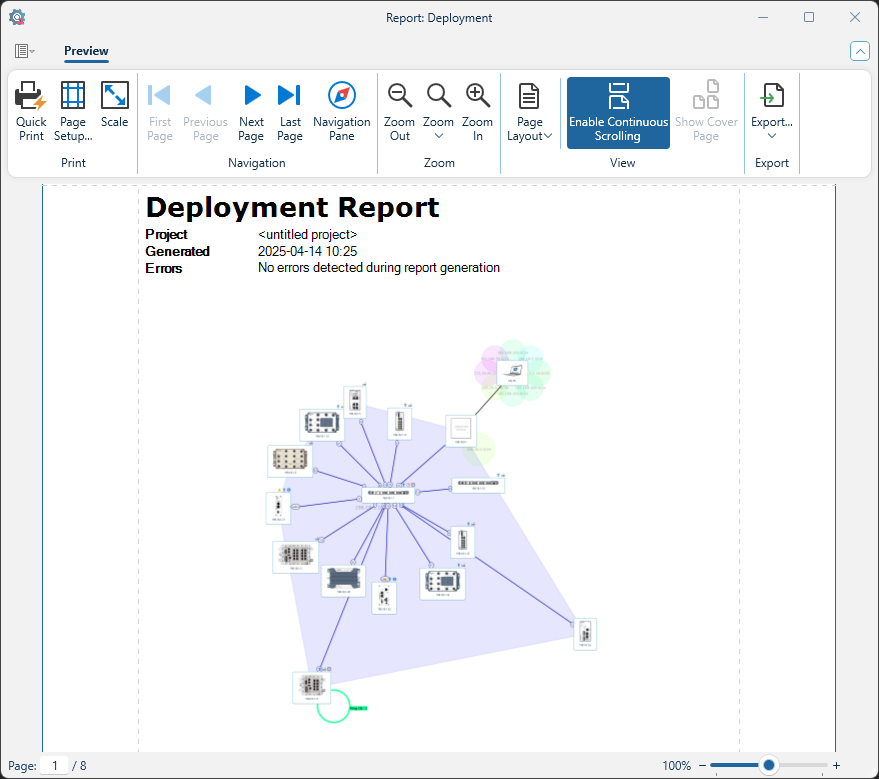
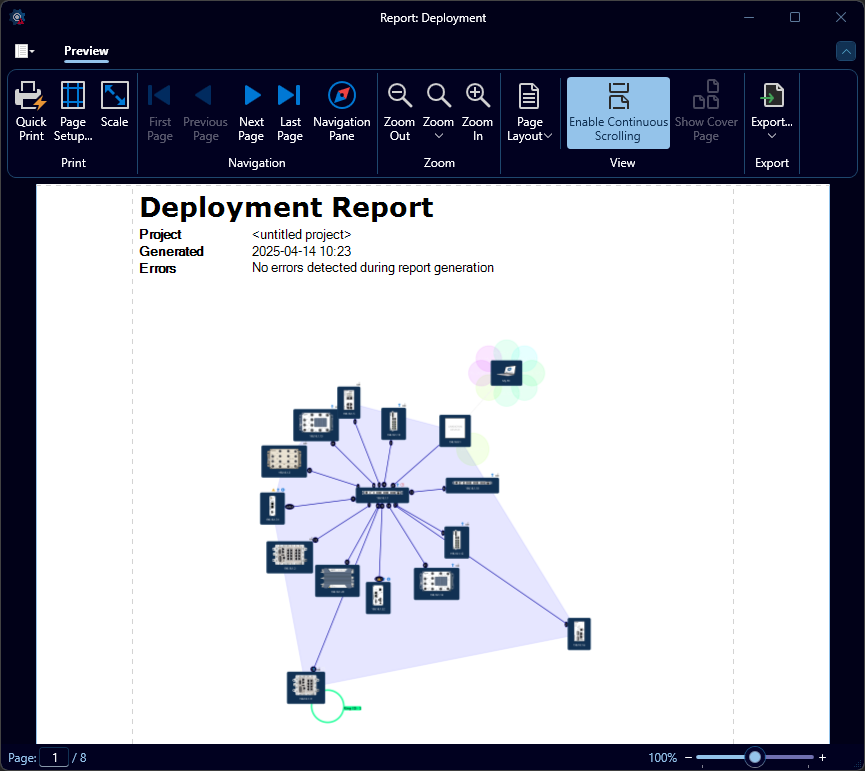
In this preview, you may edit margins, scale, and export the report into various formats or print it. The initial report will also be added to the project attachments.
warning
In order to successfully generate any report, WeConfig must have a network connection to the devices involved.