Ping
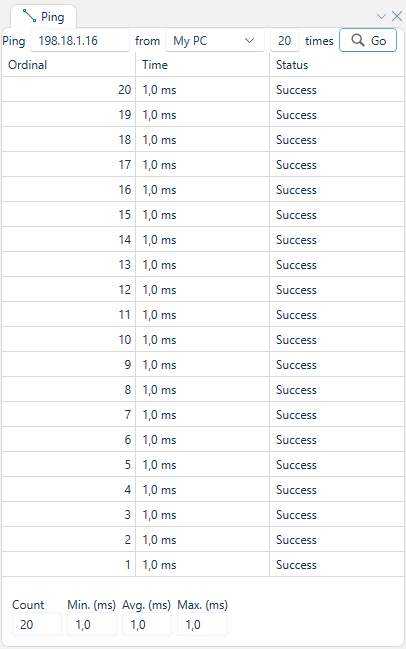
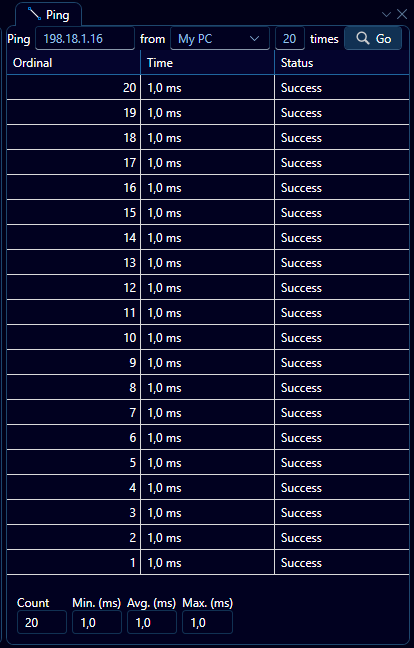
The Ping panel allows the user to ping a device from another device. In order to execute a ping, fill in the target address in the topmost leftmost box, and then selected the source from the dropdown list to its right, the source may be either the system running WeConfig or any known WeOS device in the network that is not of the Falcon model family. Finally, enter the number of times to ping the target and press "Go".
The results will then be displayed in a table, as depicted in the example above, contain the ordinal, roundtrip time and status for each ping in the sequence.
The data is also summarized at the bottom of the panel by count, minimum, average and maximum roundtrip time.