SHA256 Hash Calculator
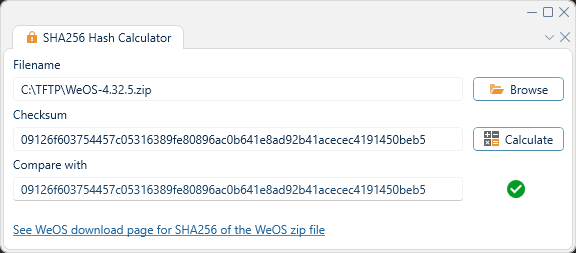
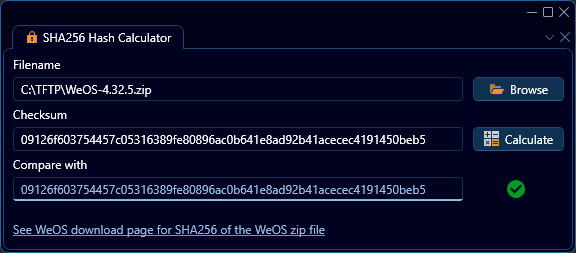
This panel is a tool to calculate SHA256 hash for a selected file, usually WeOS firmware. In order to calculate the SHA256 hash of a given file, user the browse button to select the desired file, or enter the path manually, and then press "Calculate". The SHA256 hash will then be displayed in the box labeled "Checksum". As seen in the above example, calculating the checksum of the file at C:\TFTP\WeOS-4.32.5.zip yields a hash starting with 09126f....
Additionally, a known SHA256 hash may be entered into the "Compare with" textbox to quickly check equality between it and the calculated SHA256 hash. As seen in the example above, a failed equality check between the calculated hash and the string somethingElse is indicated by a red circle containing an exclamation point.
The panel also contains a convenient link to a list of SHA256 hashes for various WeOS versions.