Ring Coupling (RiCo)
RiCo is a task that allows for configuration of ring coupling for rings in the network.
Interface Components


The initial view of this interface presents you with a dropdown of the detected FRNT rings in the current network topology. Choose a ring and click "Edit couplings" in order to navigate to the RiCo configuration menu. The menu may appear differently depending on the type of ring selected.
RiCo V0 / Ring V0
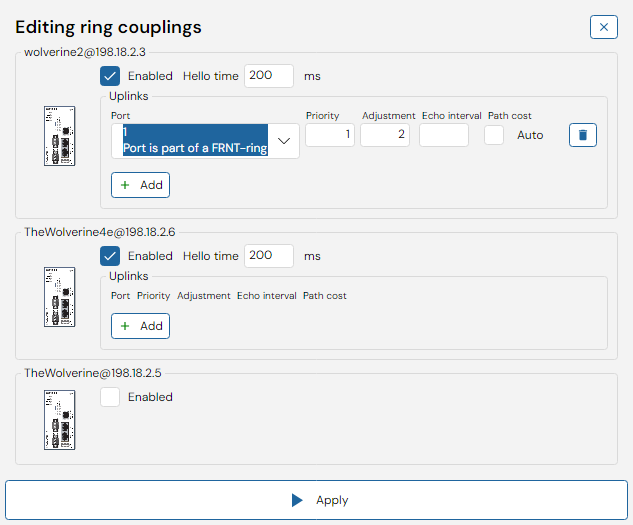
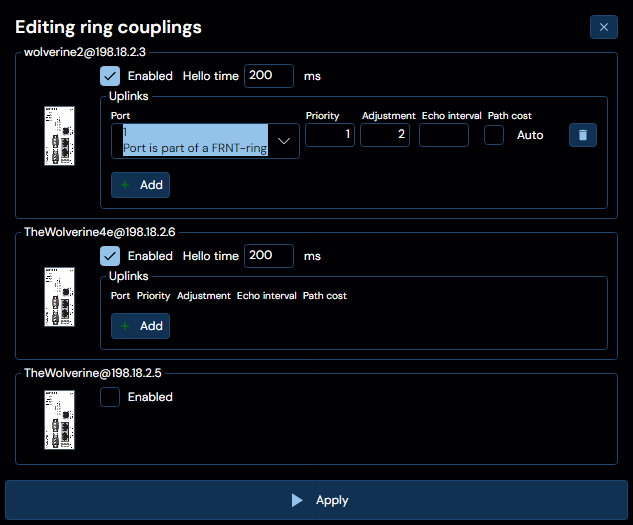
A list of member devices of the selected ring will be shown and RiCo can be enabled by checking the checkbox labeled Enabled on the desired device.
When RiCo is enabled Hello time can be set and Uplinks can be added.
To add an Uplink click the Add button.
- Select a port in the Port dropdown
- Change Priority to the desired value, default is 128
- Change Adjustment to the desired value, default is 0
- Echo Interval is only available for WeOS 4.20 or newer, default value is 200
- Path cost is set default to Auto, To set it manually check the checkbox and fill in the desired value
To remove an uplink click the trashcan button on the row that should be removed.
To abort configuration: click the button in the top right corner with a cross - that will take you back to the initial RiCo configuration tab.
RiCo V0 is only supported up until WeOS 5.15
RiCo V3 / Ring v2
When chosing to edit the RiCo configuration for an FRNTv2 based ring, you will be presented twith the following interface:
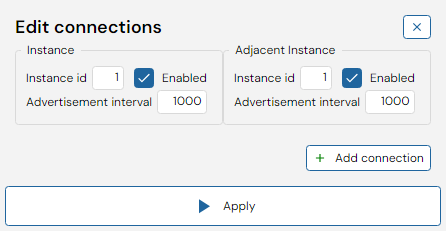
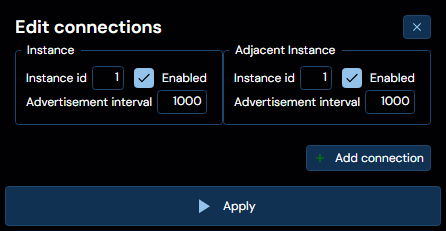
Where the left hand side corresponds to the selected ring instance, and the right hand side corresponds to any detected adjacent ring instance. Herein, you may specify:
- The instance ID
- Whether or not the RiCo instance is enabled
- The advertisment interval. Following the instance options, you may specify a number of connections, added via the Add connection button at the bottom right of the interface. In the example depicted above, two connections have been added, each with a port, a priority, a hello interval and a preempt choice.
WeConfig will attempt to automatically detect the corresponding right hand side device whenever a left hand side device is selected, if it cannot do so, you may still specify the righthand side device manually.