Simple network Management Protocol (SNMP)
SNMP configuration is a staged task that allows for configuring the SNMP accessibility on selected devices.
Interface Components
The task is divided into three stages: Devices, Configuration and Overview.
Devices
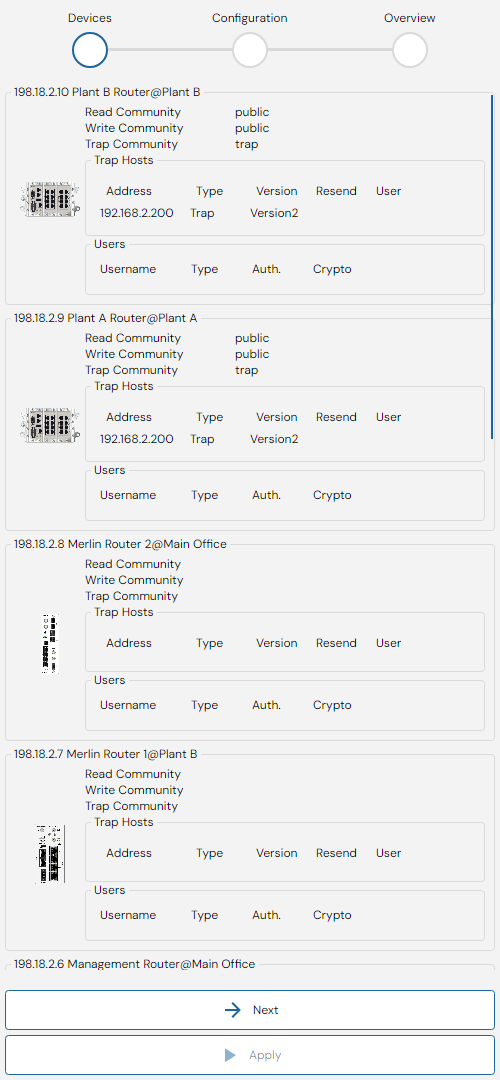
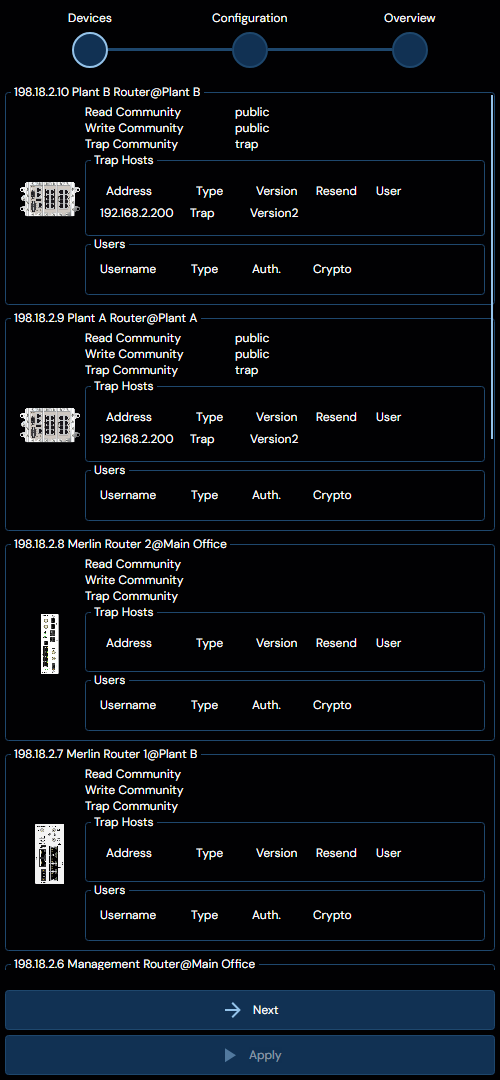
The first stage is called devices, and it will display the current selection of devices, as well as details regarding their current SNMP configuration. As can be seen above, this is presented as a list of devices, where their read, write and trap communities are listed, followed by a list of trap hosts and users.
To progress to the next stage, click "Confirm".
Configuration
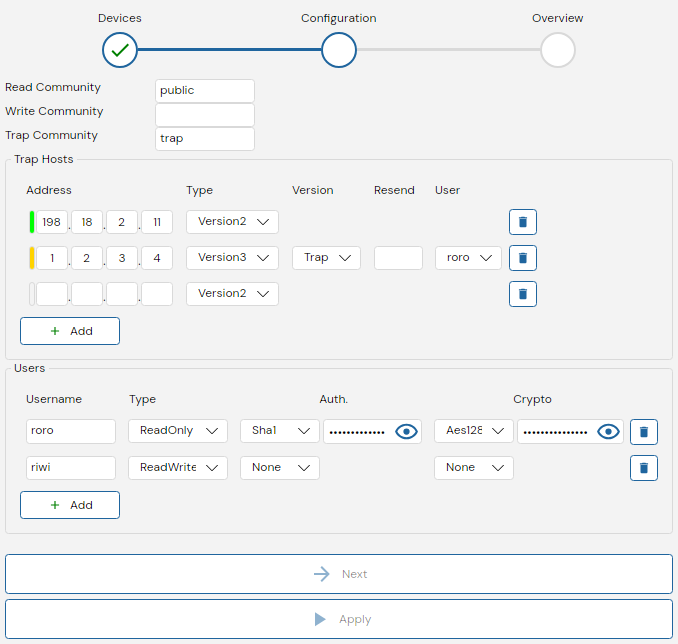
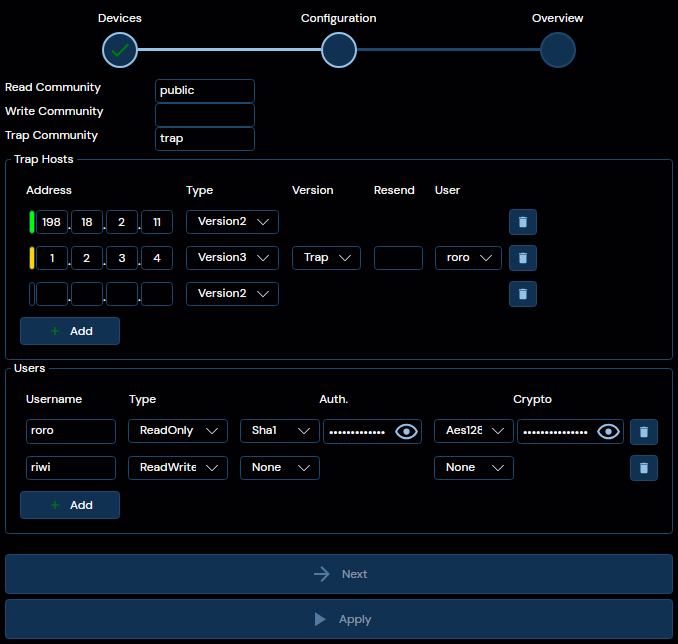
The second stage is called configuration, and is where the desired configuration for the devices selected in the prior stage is specified. Depicted above is a configuration with the SNMPv2 settings specified as:
- a read community called "public"
- no write community,
- a trap community called "trap"
To disable the relevant SNMPv2 community, leave the field blank.
Additionally, two trap hosts have been configured:
- One version 2 trap host being sent to
198.18.2.11 - One version 3 trap host being sent to
1.2.3.4with the userrorospecified.
Finally, there exist two SNMPv3 users:
- A readonly user called
rorothat does have both authentication and encryption configured. - A read-write user called
riwithat does not need any authentication.
This is in no way a recommended configuration, and is only used as an example.
If at least one compatible SNMPv3 user is configured on a device, WeConfig automatically selects one of the new users and updates the Device Access for the project to make use of a specific user.
To progress to the next stage, click "Confirm".
Overview
The final stage is called "Overview" and contains a specification of the updates that will be made to the selected devices listed. Any values that are accepted can be seen in green.
However, not all configurations may be compatible with all devices; if any incompatibilities are found, they are listed on each relevant device, as depicted below:
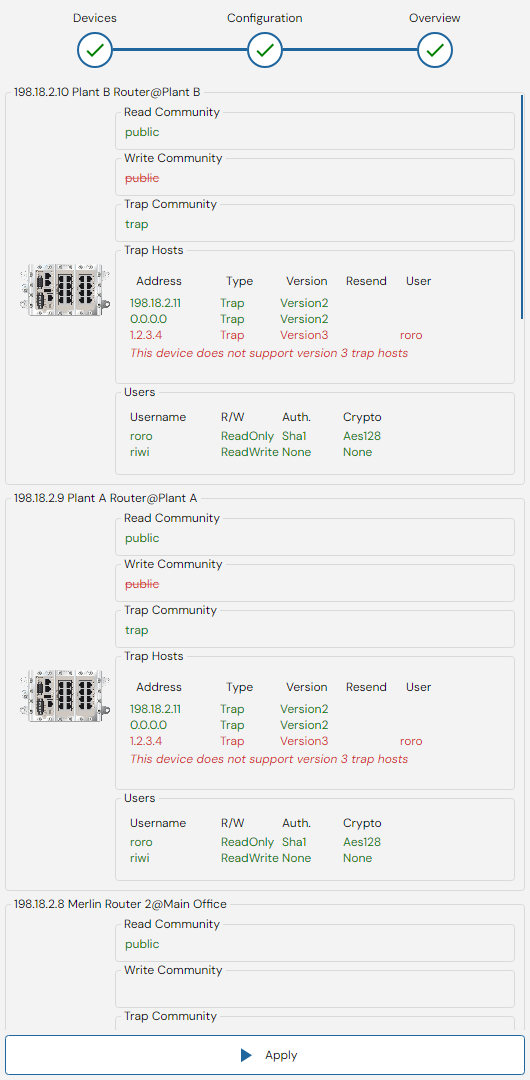
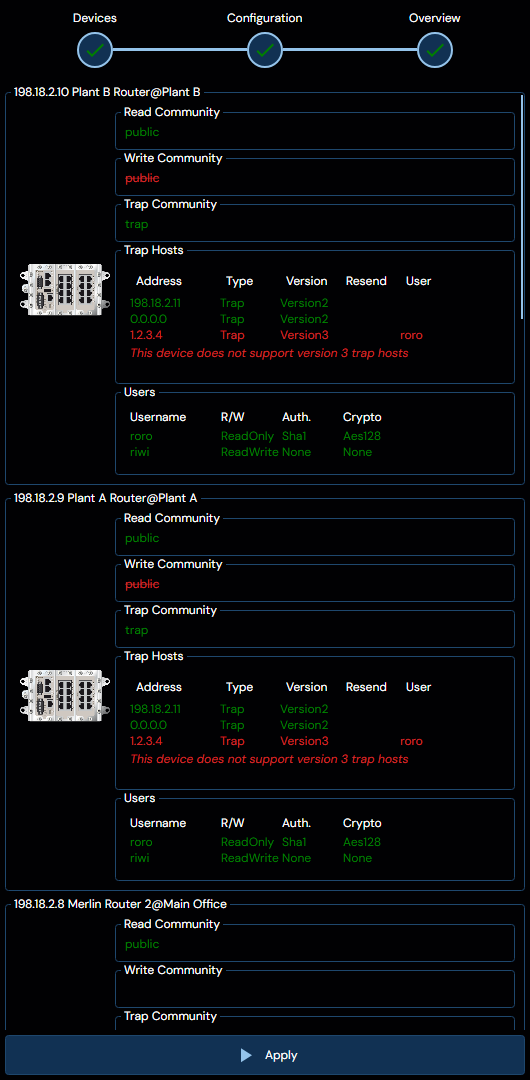
Where we can see that the device in question does not support version 3 of the SNMP trap host configuration.
With this in mind, the apply button is still available, and WeConfig will simply not configure anything unsupported on relevant devices.
If the resulting configuration is considered unacceptable, simply head back to the prior stage and change it.