Virtual Local Area Networks (VLAN)
VLAN is a task that allows for configuration of virtual local area networks, VLANs for short, and their port associations.
Interface components
Legend
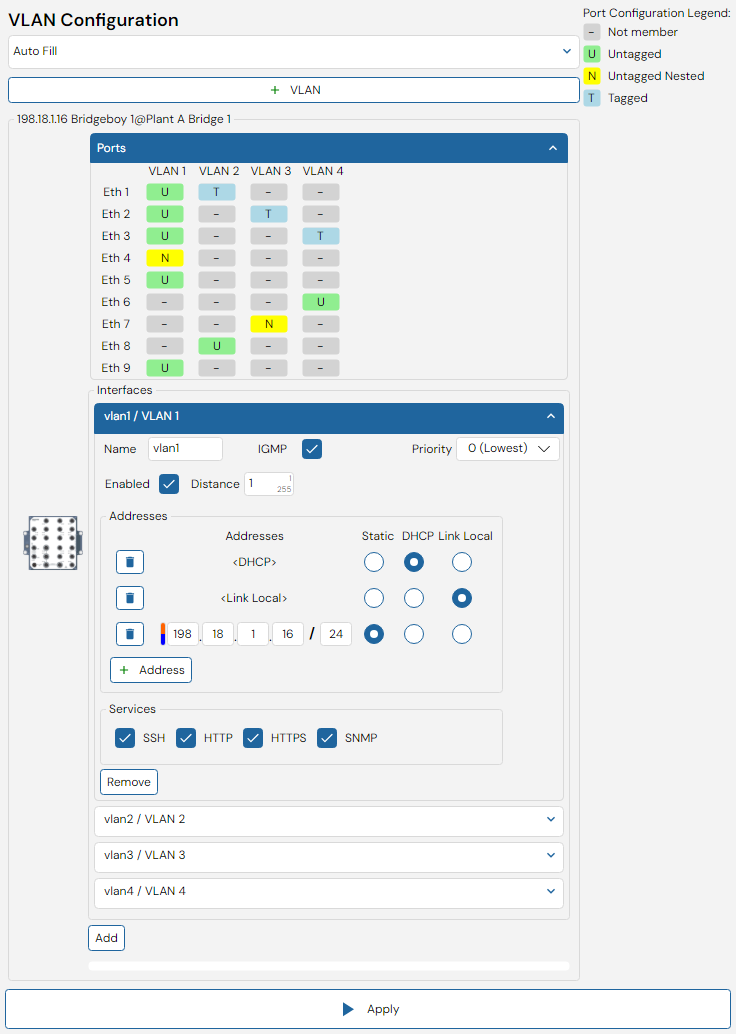
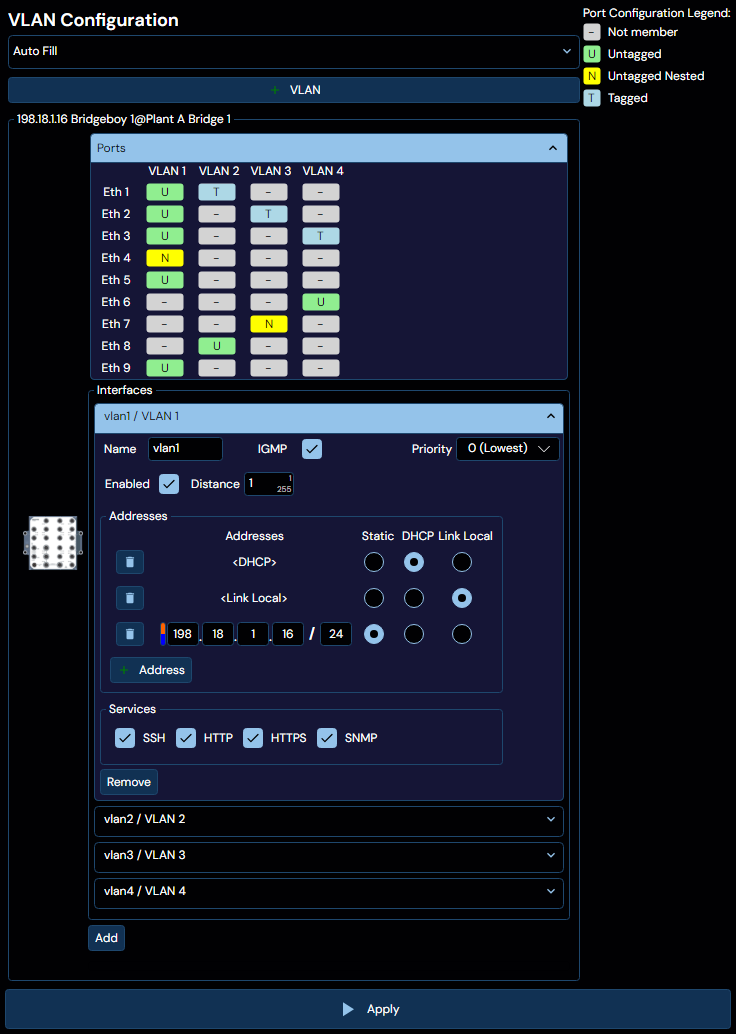
At the top right of the interface is a legend, depicting a shorthand assistance for reading the port association matrix.
Autofill
Just below the filter box exists an autofill section, which is collapsed by default. This allows for configuring a VLAN (without port association) once and copying that configuration to all selected devices.
Device view
The rest of the interface will contain a list of devices views, with a singular device in the example depicted above. Each device view is broken down into two sections, the port association matrix and the VLAN configuration list.
Port assocation matrix
The top of the device view is a collapsible port matrix, where the device ports are listed as rows and the existing VLANs are listed as columns. This allows specification of which VLANs are mapped to which port, and in which way they are mapped. The above example demonstrates the following setup:
- For VLAN 1, Ports Eth 1 through Eth 5 and Eth 9 are present but untagged. Port 4 has policy nesting enabled.
- For VLAN 2, Port Eth 1 is tagged (which does not conflict with untagged VLAN 1 traffic on the same port) and Port Eth 8 is untagged
- For VLAN 3, Port Eth 2 is tagged, and Port Eth 7 is untagged with policy nesting enabled.
- For VLAN 4, Port Eth 3 is tagged, and Port Eth 6 is untagged.
In order to change the port association, simply toggle the associated boxes
A port can only be Untagged on one VLAN
Interfaces
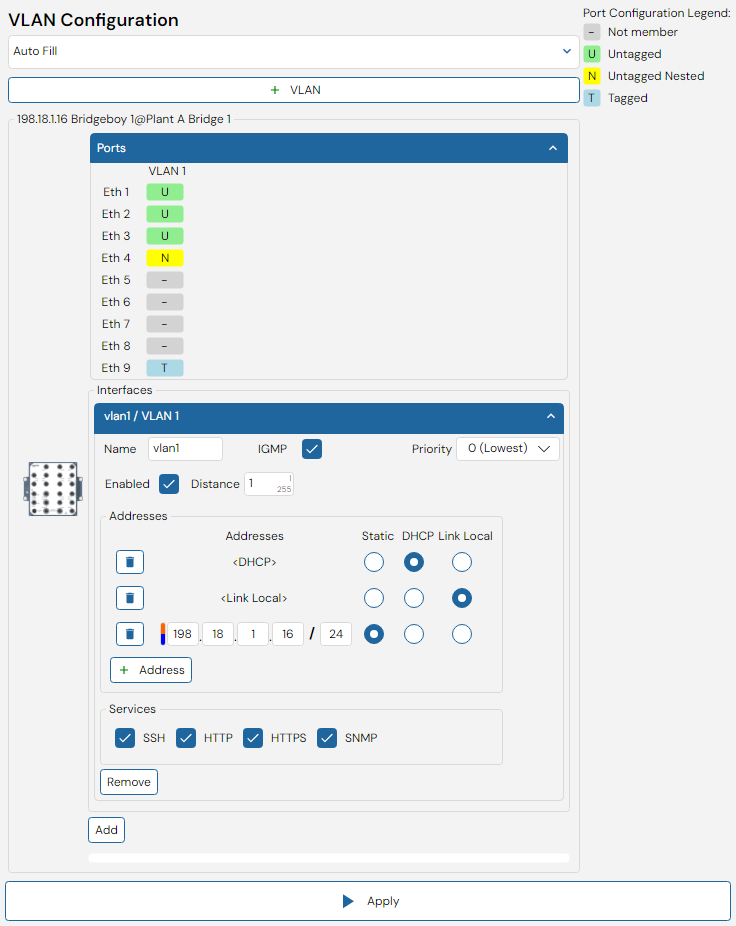
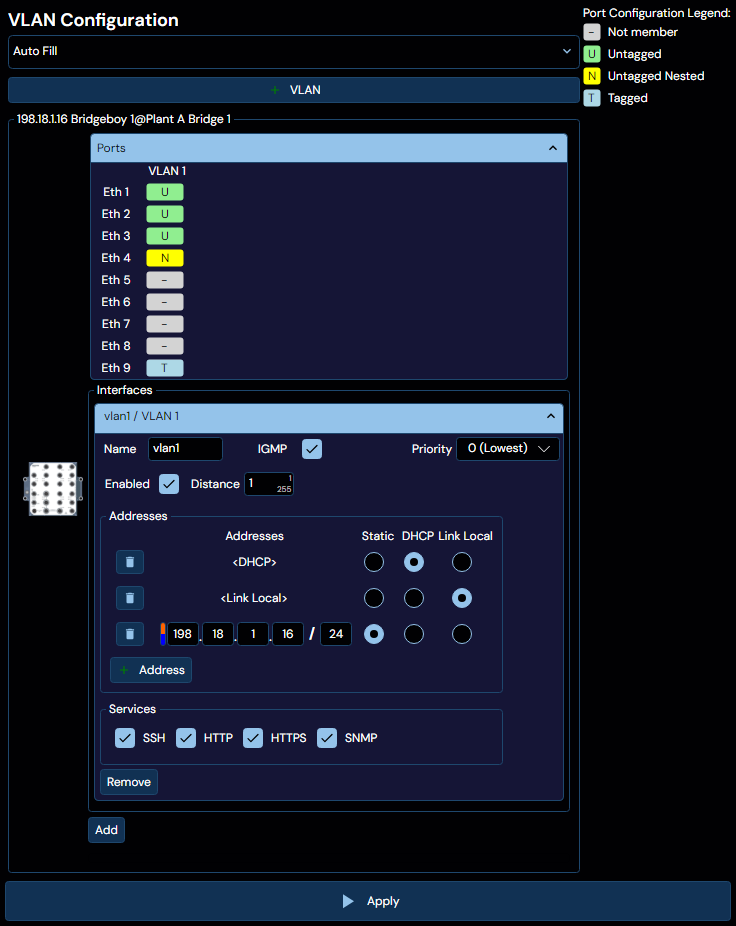
Under "Interfaces" you can configure the individual VLANs. What you can configure varies slightly depending on the WeOS version.
WeOS 5
WeOS 4
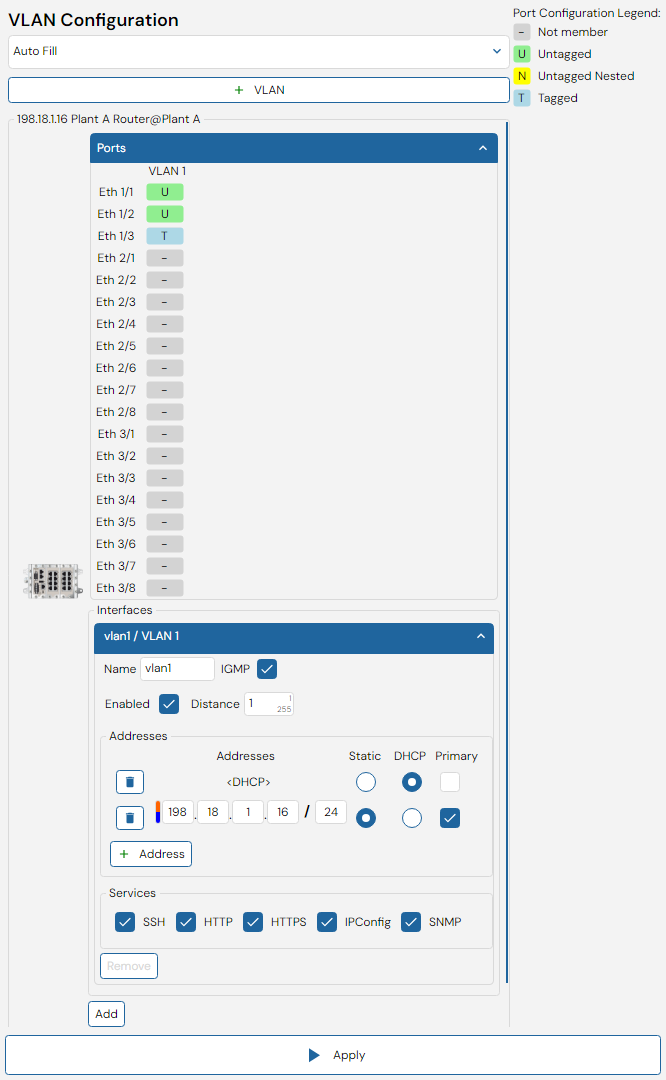
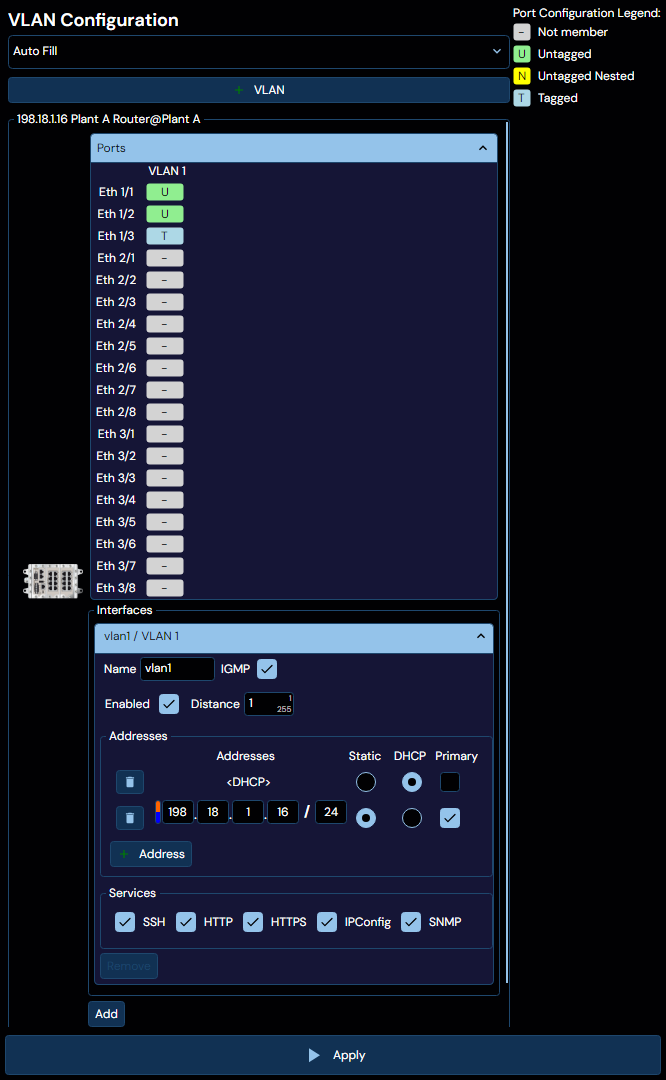
On WeOS4, you must provide one (and only one) Primary address