Diagnostics
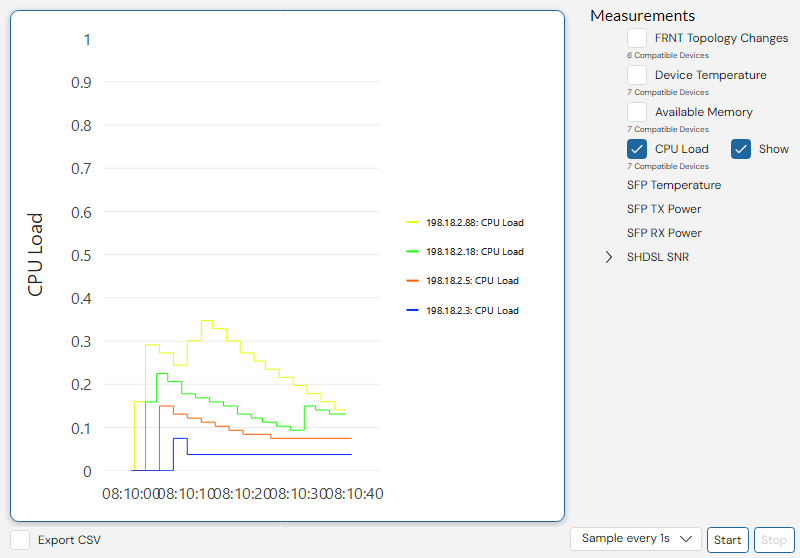
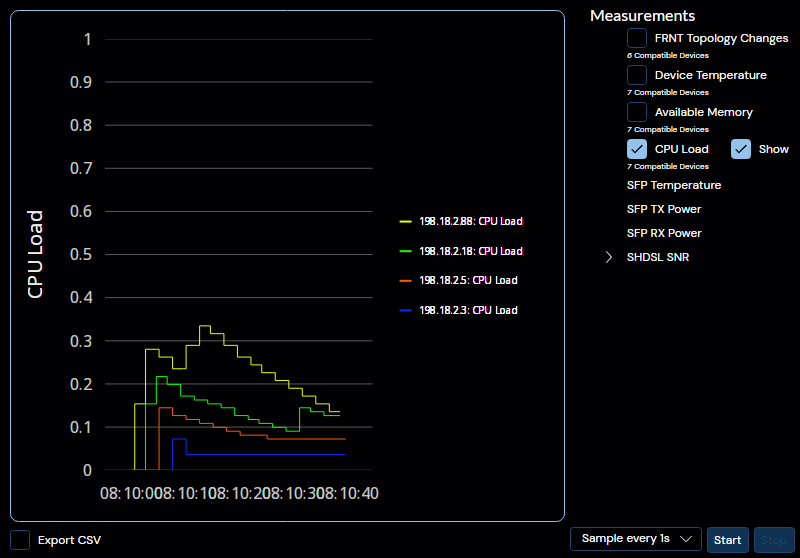
In this Panel, a number of datapoint about the network can be observed and charted, such as:
- Available memory
- CPU load
- Device temperature
- FRNT change count
- PoE Power
- RSSI
- SFP Rx/Tx Power
- SFP Port temperature
- SHDSL SNR margin
The exact data sources present will vary depending on the devices selected in the topology.
To monitor the data sources, select them in the list to the righthand side of the interface, select a sampling rate from the dropdown menu at the bottom of the interface, and press start.
If you need to log the observed data for later analysis, make sure to check the "Export CSV" toggle in the bottom right corner just below the graph, and select a path to the target file.
It is possible to show and hide individual graphs at the sampling. Click the "Show" button in the list of monitored devices on the right side.
Additionally, you may hover any individual graph line to show a panel with the exact value at that point on the graph for all measured devices.
When a monitor session is restarted, the graph is cleared. Data saved to CSV will not be lost. A new monitor session will add data to the CSV file, not replace it.
When you are exporting a measurement to CSV, do not open the CSV file in Excel or any other application at sample, as such a action may lock the file, preventing data from being written to it by WeConfig.