WeOS 4WeOS 5IbexXRDMerlinother
Syslog
When enabled in application settings, this panel contains a view of received syslog data.
Interface components
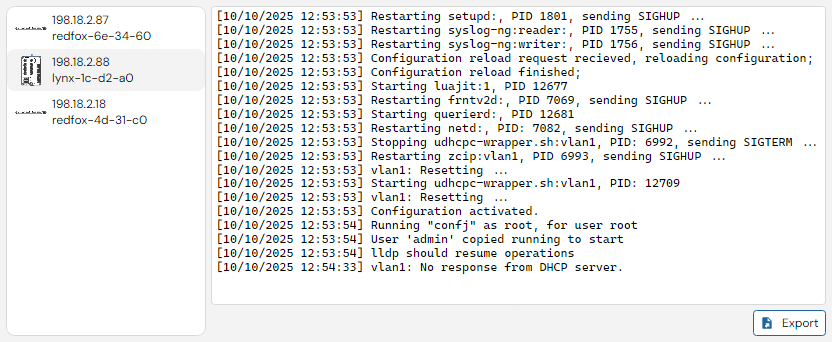
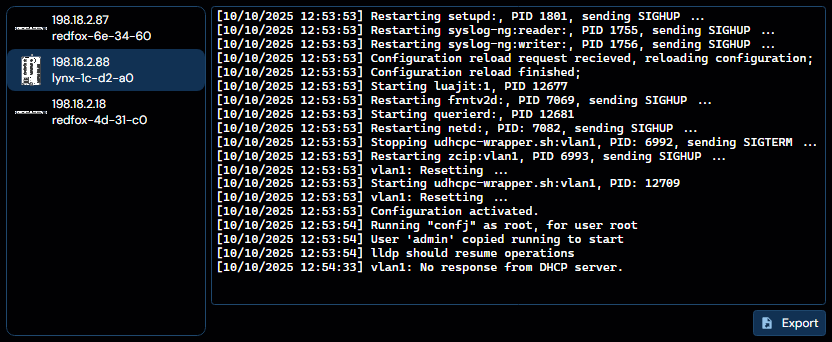
Any device that is configured to use WeConfig as Syslog server will display its Syslog messages in this tab, as can be seen in the example above. Click the corresponding device to switch view to that device's syslog messages.
The button to the lower right of the interface "Export" allows you to export the selected device's logged syslog messages to a file.
info
In order to receive Syslog messages, the running machine's firewall must be configured to allow said syslog messages, which arrive on Port 514, see usage for more information.