Clone or Replace Device
Clone or Replace device is a staged task for, as the name indicates, either copying WeConfig's configuration information from one device to another one, or to replace a device in the topology with a new one.
Interface components
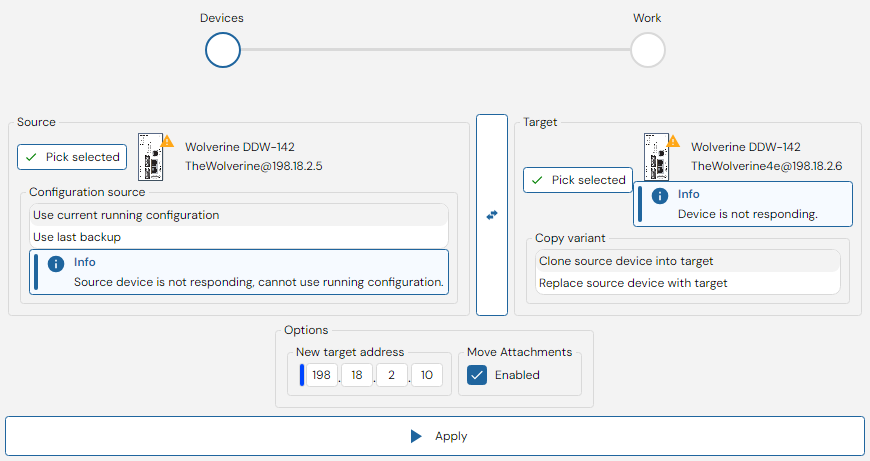
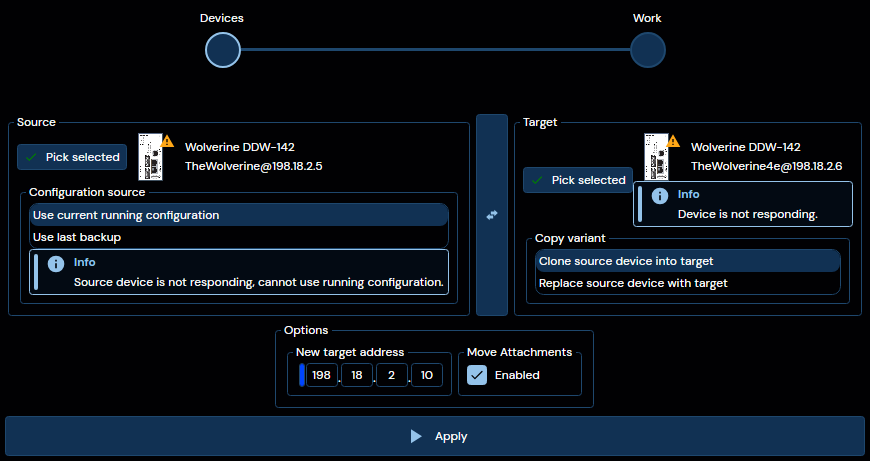
The initial interface you will be met with when opening this panel is seen above. Here you may pick two devices using selection in either the Topology or Device list.
Secondly, for the "Source" device, you may select to either actively pull the current running configuration of that device, or use the last known backup (If WeConfig has one) for the copy operation.
Thirdly, for the "Target" device, select whether you are intending to Clone the device or in othe words create another device with almost the same configuration in the current network, or Replace the device, meaning that WeConfig will remove the original "Source" device from it's knowledge of the network once the operation has completed.
If you have selected the devices in the wrong order, and wish to swap the source and target of the operation, the button between the two selections allows you to do so trivially.
Finally, fill out relevant options in the "Options" group below the two selected devices. The exact content of this box may vary depending on the selected devices and operation type. But the following options may appear:
| Option | Description |
|---|---|
| Select network adapter | When the target device requires knowledge of the PC's connected network adapter to successfully receive a new IP address, such as for older versions of WeOS 4, this option will appear and prompt the user to select the adapter that the device is connected to. |
| New target address | When the "Copy variant" selection is set to "Clone source device into target", then this option will be present, allowing you to select the new IP address for the target device, to be assigned after configuration has been copied over |
| Move attachments | Always present, when checked, any Device attachments beloning to the source device will be moved to the target device at the end of the copy operation. |
When you are content with your selection, press "Apply" to begin the copy operation. This will transition the interface into a view similar to the one seen below:
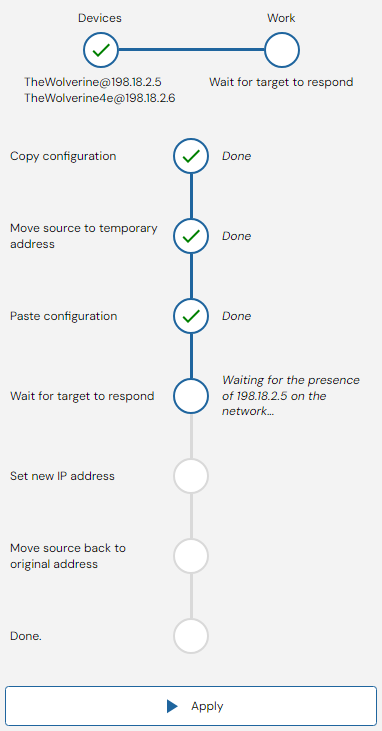
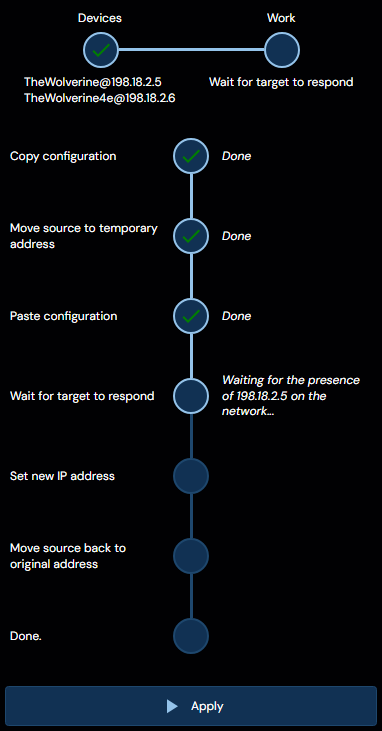
As can be seen, the copy operation is comprimised of several stages, which may vary slightly depending on the exact configuration chosen in the previous view. Some of these stages may require user interaction, and will in such case prompt the user for such.