Attachments
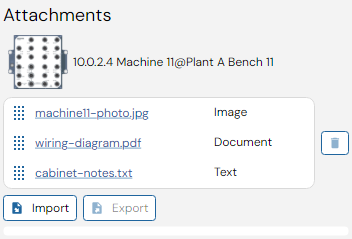
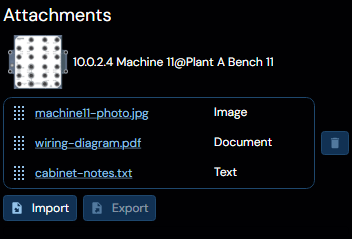
This panel displays the file attachments associated with the currently last selected device as a list of links and format explanations.
Additional attachments may be added to the device here by clicking the "Import" button, and may be exported unto the regular file system using the "Export" button with a specific attachment selected. Attachments can also be deleted by selecting them and pressing the Trashcan button to the right side of the interface.
Clicking on any of the links for any of the attachments will open the corresponding file using the running operating systems preferred method. When the process the operating system decided to open is closed, such as when the user completes editing a file, the attachment will be updated and packed back into the project.