WeOS 4WeOS 5XRDIbex
Communication Summary
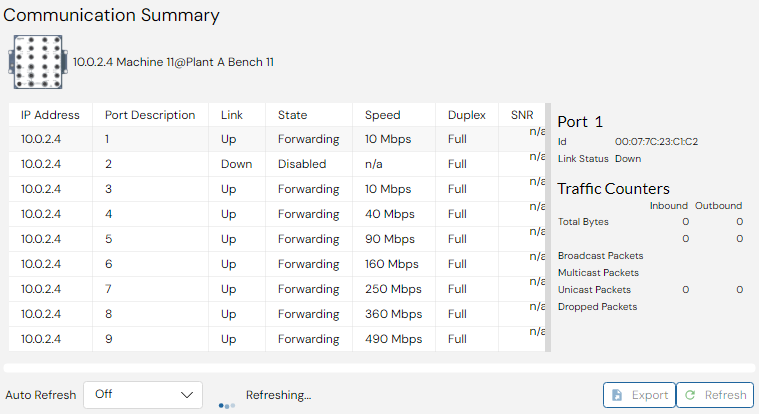
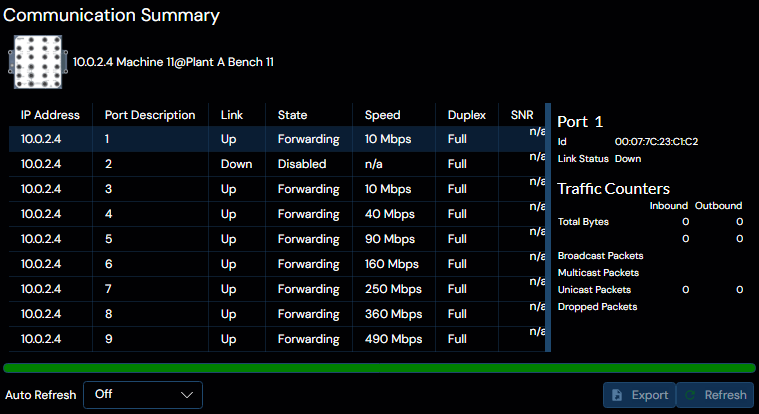
This panel lists a summary of communication information for ports on selected device.
Select a port in the list and detailed information will be available in the Communication Details section found to the right-hand side of the panel.
The communication information can be automatically updated every 5, 10, 30 or 60 seconds. Select an option in the drop-down found below the communication summary list. Click the Export button and the list is exported to a CSV file.
Communication Details
This part of the panel contains more details information regarding communcation on a specific, selected port. Such as the port MAC Id, its link status and various transmission history properties and statistics.