WeOS 4WeOS 5IbexXRDMerlin
Configuration Files
This panel displays the configuration files associated with the currently last selected device.
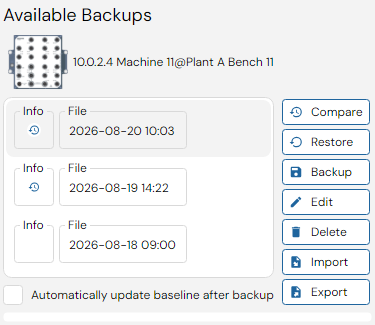
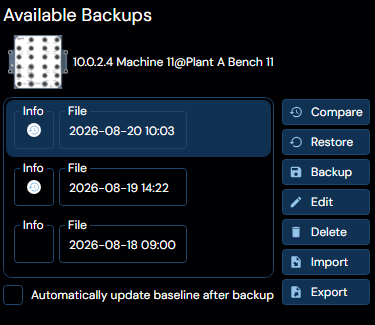
Select a device and currently available configuration file backups are listed (in local time order) in this panel. Configuration can be backed up, restored, edited, imported, exported, or deleted.
When selecting Automatically update baseline after backup the following backup will be used as new baseline.
When a listed configuration backup file differs from previous entry in the list, an icon is shown to the left of the entry. Click the icon to show actual file differences in a separate window. WeConfig uses an internal viewer that shows differences. This viewer can be changed to any other viewer via the settings.